
Android OpenVPN installation
 Elena
Elena
December 7, 2024
1 minute Read
1. open the Play Store app.
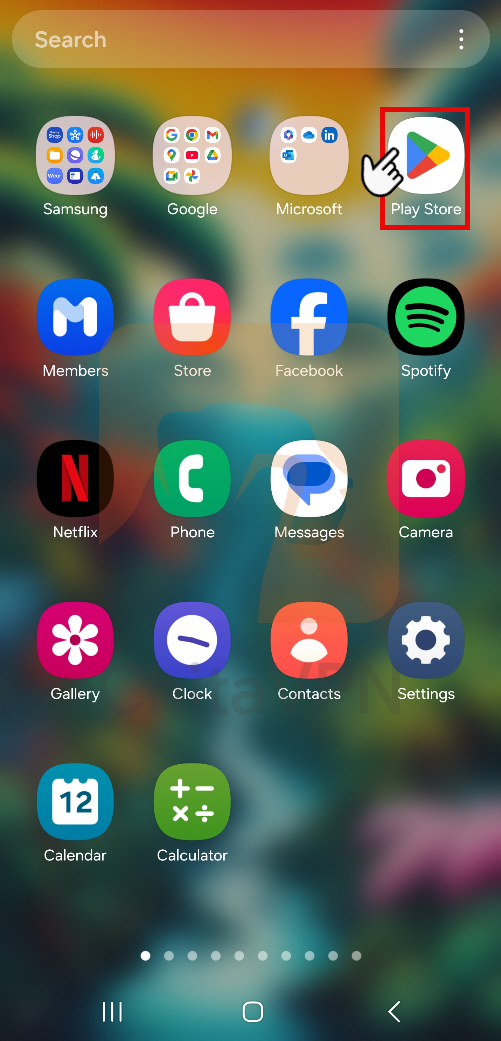
2. Click on the search icon and open the tab.

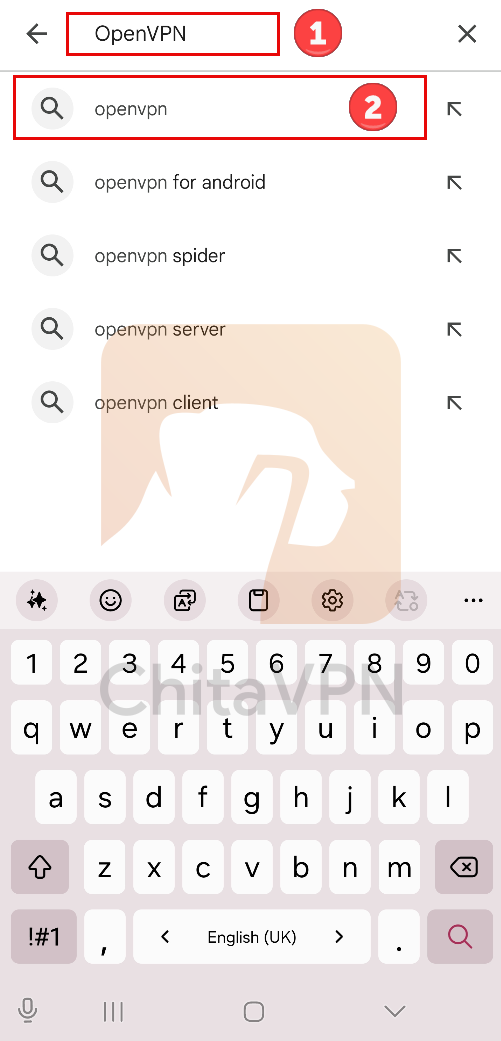
3. Now (1) search for the OpenVPN name and then (2) choose the OpenVPN name and open the tab.
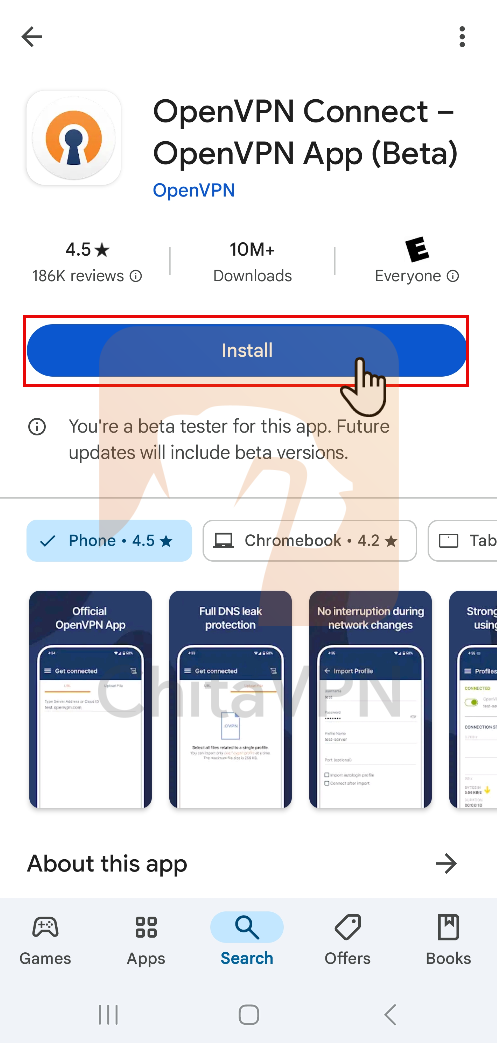
4. Click on the install button.
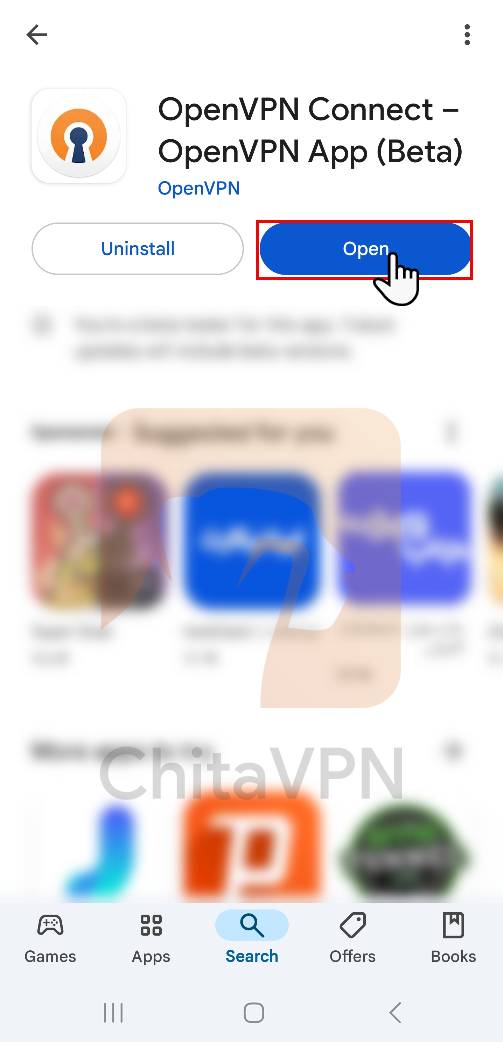
5. now press the open button and run the app.
Related articles
-
 4 minutes Read
New Asus Routers Connects to VPN
April 3, 2024
Elena
-
 4 minutes Read
Smart DNS – New Update
April 3, 2024
Elena
-
 4 minutes Read
New Secuirty Bug in Win 11
February 27, 2024
Elena